
Your business number, on every device
The Voipcom app puts your desk phone in your pocket and on your laptop: business calls, voicemail, texting, and team chat with one identity, so customers always see your business number.
How it works
From first call to fully handled
No rip-and-replace projects. We meet your stack where it is.
Install
Apps for Windows, macOS, iOS, and Android, with an MSI for IT-managed fleets. Downloads are one page, setup is minutes.
Sign in
Your Voipcom login brings your number, voicemail, texts, and call history to every device automatically.
Work anywhere
Ring strategies treat the apps like desk phones: answer at the desk, continue in the truck, text from the laptop.
Why it matters
Work happens everywhere; your number should too
Personal cell phones answering business calls means lost caller ID, lost records, and lost professionalism. Missed calls bounce between devices, and nobody knows who picked up what.
With one app on mobile and desktop, every call and text rides your business line: ring strategies are respected, conversations are recorded and logged, and handoffs between desk and mobile are seamless mid-call.
1 number
desk, desktop, and mobile
iOS + Android
plus Windows and macOS apps
Mid-call
handoff between devices
Included
with every Voipcom voice seat
What we offer
One app, the whole phone system
Everything the desk phone does, anywhere your team works.
Business Calling
Make and take calls with your business caller ID, with the same routing and recording as the office.
Visual Voicemail
Voicemail-to-email and in-app playback, so nothing waits until you are back at a desk.
Business Texting
SMS and MMS from your business number, shared and logged, never trapped on a personal phone.
Team Presence & Chat
See who is available, transfer warm, and message internally without a second tool.
Seamless Device Switching
Start a call on the desk phone and continue on mobile without dropping it.
IT-Managed Deployment
MSI deployment for Windows fleets, mobile rollout guides, and our team handling setup.
A closer look
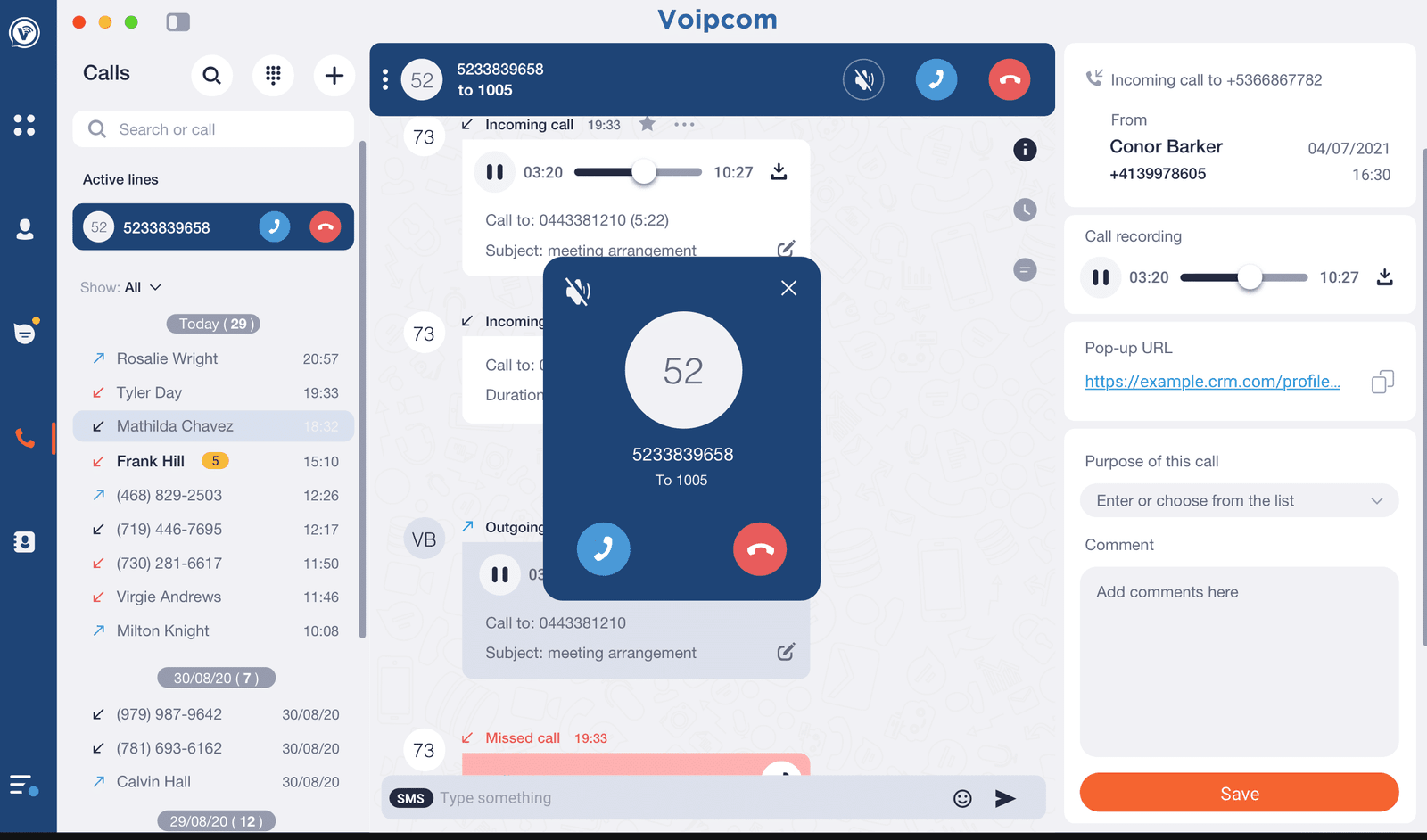
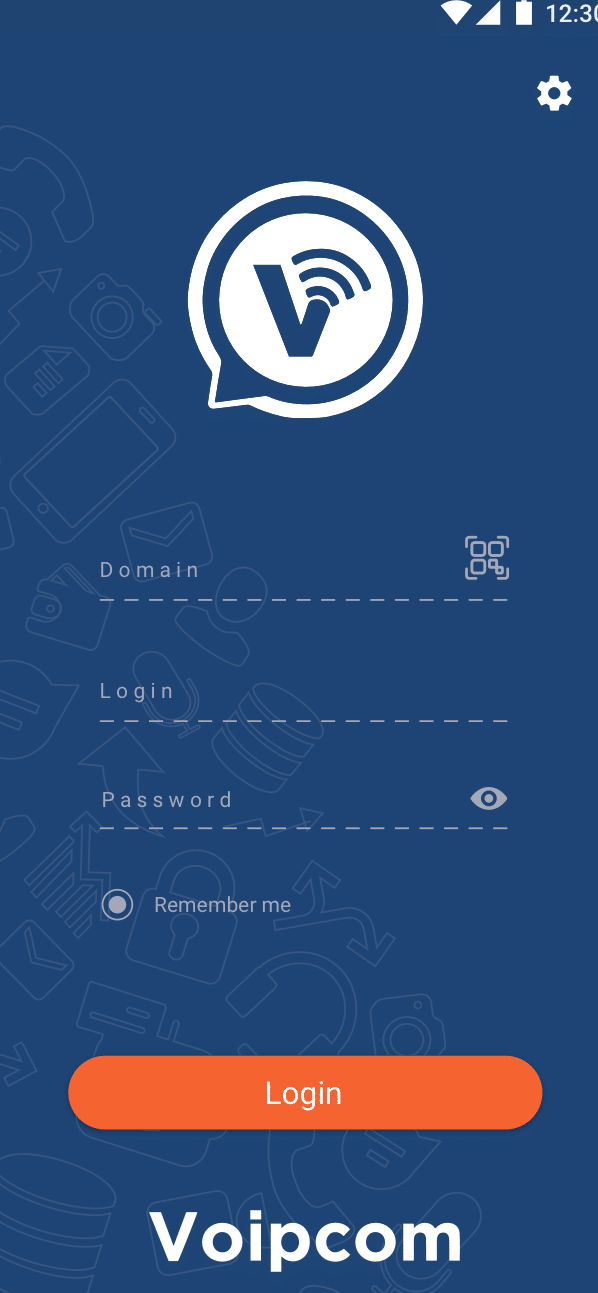
The apps, up close
The same account, history, and number on every screen your team uses.
The difference
Personal cell vs the Voipcom app
Why partner with Voipcom
Apps your team will actually adopt
- We configure, deploy, and train, not just hand you a license
- Same-day local support when a device misbehaves
- Works with your existing Voipcom call flows and recordings
- Downloads for every platform on one page
FAQ
Common questions
Are the apps included or extra? +
Included with every voice seat, desktop and mobile, no per-app charge. Desk phones become optional.
Can I move a call between devices? +
Yes, take a call at your desk and continue it on mobile without hanging up. Presence follows you so the team always sees the right status.
How does IT deploy this across a company? +
Windows fleets use our MSI for silent installs via GPO or RMM; mobile rollout is a sign-in link. We handle provisioning either way.
Do texts show up in the apps too? +
Yes, business SMS conversations are shared across desktop and mobile, so anyone on the team can pick up the thread.
From the blog
Related reading
Deeper dives from the Voipcom team on this topic.
Put the office in your pocket
See the mobile and desktop apps live, with your own call flows, in a 30-minute demo.